Best AI Bedroom Design Apps For Real Rooms: Which Tool Fits Your Job?
The best AI bedroom design app depends less on hype and more on the job you are trying to get done. Some tools are best for quick style exploration. Some are better for measured layout planning. Some are strongest when you want to decide what to buy first.
If you are working from your real bedroom photo, it helps to separate those jobs clearly instead of treating every AI room tool as the same thing.
Verdict
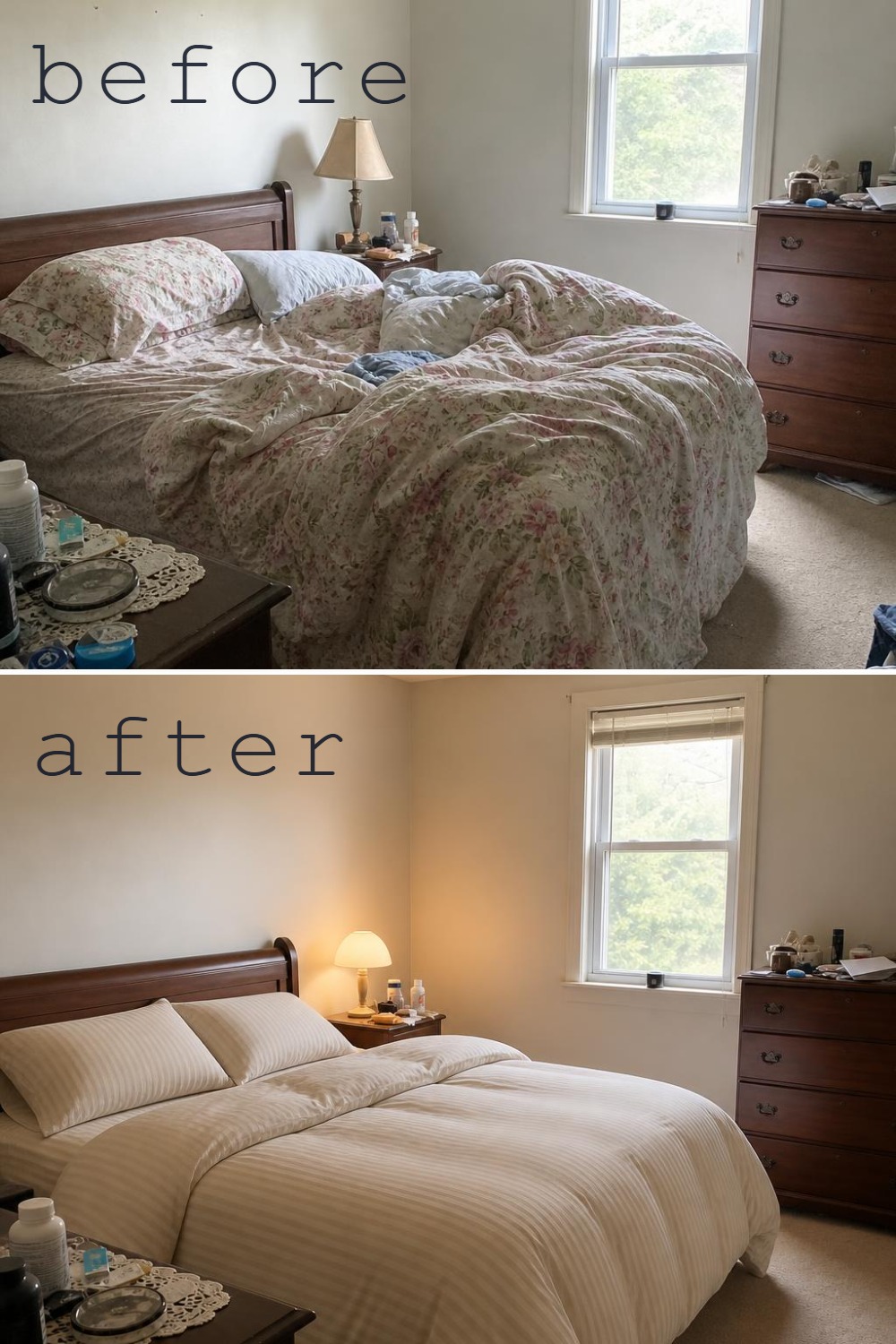
If you want fast visual direction from your actual bedroom photo, start with a photo-based bedroom redesign tool. If you care more about exact measurements and placement, a planner will be a better fit. If your main question is what deserves your first dollars in a real bedroom, a budget-led workflow is often more useful than a generic style generator.
How The Main Options Break Down
| Tool Type | Best For | Where It Wins | Main Limitation |
|---|---|---|---|
| RoomRefit | Real bedroom photos, real budgets, and believable next-step direction | Stronger when you want to stay close to your actual room and decide what is worth changing first | Not built for full construction planning or technical floor-plan work |
| RoomGPT / similar fast redesign tools | Quick style exploration | Very simple upload-and-generate workflow | Often weaker on editing, specificity, or follow-through after the render |
| Planner 5D / Homestyler | Measured layouts and furniture planning | Better when the real question is layout precision | Heavier workflow if you only want a fast bedroom refresh direction |
| Retailer-led visualizers | Shopping from one catalog | Useful when buying is the main goal | Naturally biased toward one retailer's inventory |
The point is not that one tool wins every situation. The point is that comparison pages should match the real job the user needs to get done.
Choose Based On The Job, Not The Category Name
You want a quick feel for different bedroom looks and do not need exact planning yet.
You need to test layout, dimensions, or furniture fit more than visual mood.
You want to upload your actual bedroom, work from a real budget, and understand what changes deserve the first spend.
What Bedroom-Specific Searchers Usually Care About
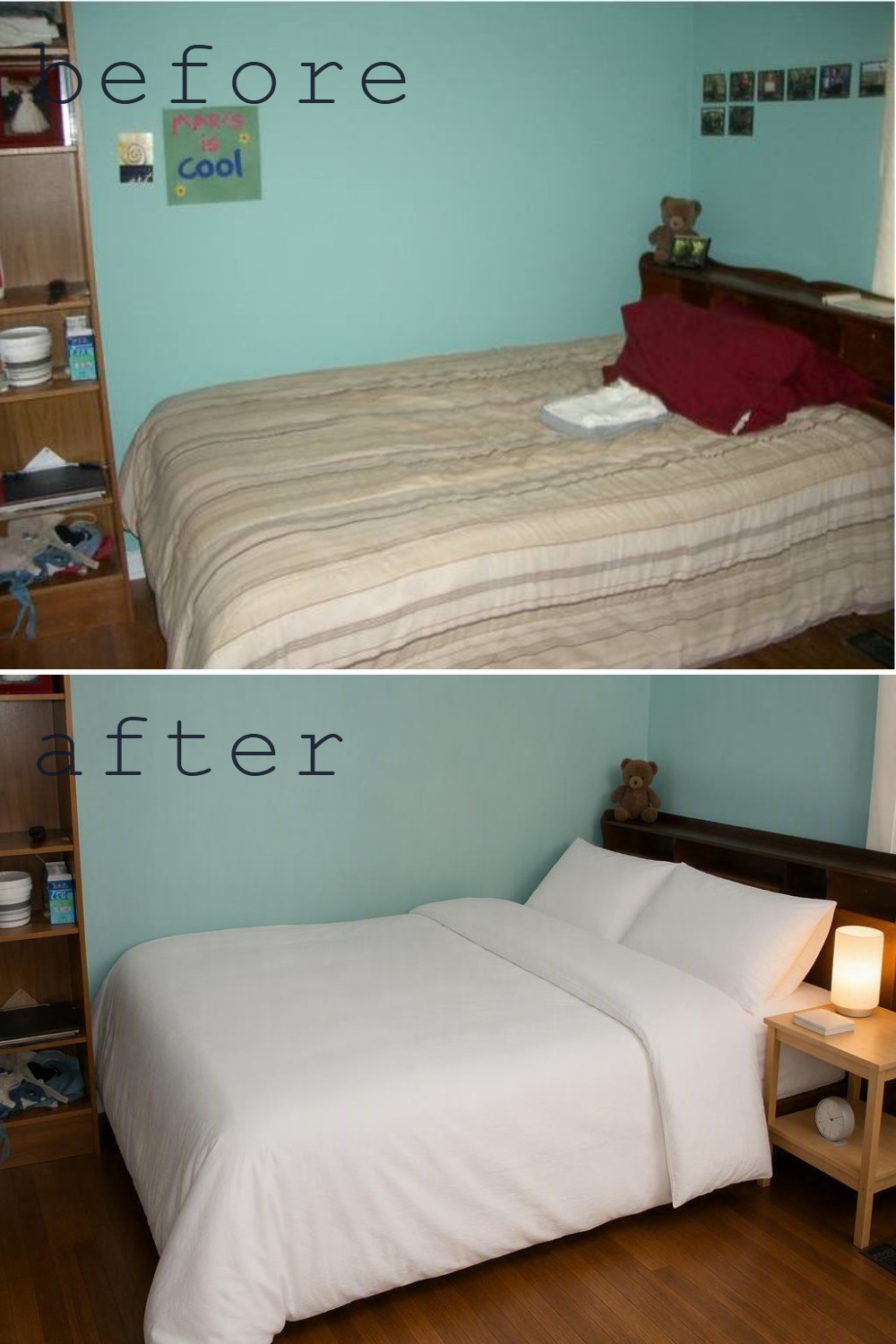
- Whether the room still feels like their actual bedroom instead of a generic replacement.
- How well the tool handles bedding, headboard walls, lamps, and bedroom mood.
- Whether the result helps with shopping or decision-making afterward.
- How much control they get over realism versus dramatic restyling.
Why RoomRefit Has A Different Angle
A lot of AI bedroom tools are optimized for fast visual novelty. RoomRefit is more useful when the question is not only "what style looks good?" but also "what can I realistically do with this room and this budget?"
That makes it a better fit for users who are trying to reduce buying mistakes and move from inspiration into a believable plan.
When RoomRefit Is The Better Pick
- You are redesigning a real bedroom, not an idealized empty space.
- You want the output to stay closer to your current room rather than replacing everything dramatically.
- You care about budget allocation, not just style variation.
- You want help deciding what to change first before spending money.
FAQ
What is the best AI bedroom design app for real room photos?
The best fit depends on whether you want fast visual direction, exact planning, or budget-aware decision support. For most real-bedroom workflows, a photo-based tool is the best starting point.
Should I choose an AI room redesign tool or a 3D planner?
Use a redesign tool when you want to see what your current bedroom could become. Use a planner when dimensions and exact placement matter more than quick visual exploration.
Why are bedroom design searches different from general room design searches?
Bedrooms are more personal. Searchers care more about calm, softness, lighting mood, and whether the room feels livable, not just stylish.